

- To create a new segment using the conditions from an existing StoreCRM segment, use the [Duplicate segment] feature.
1. click on StoreCRM -> [Customers] -> [Segment List].
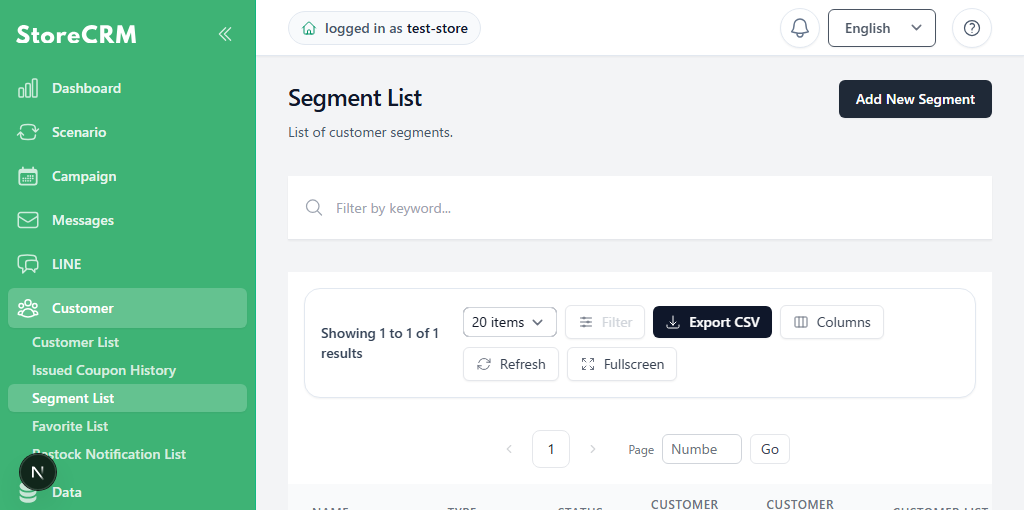
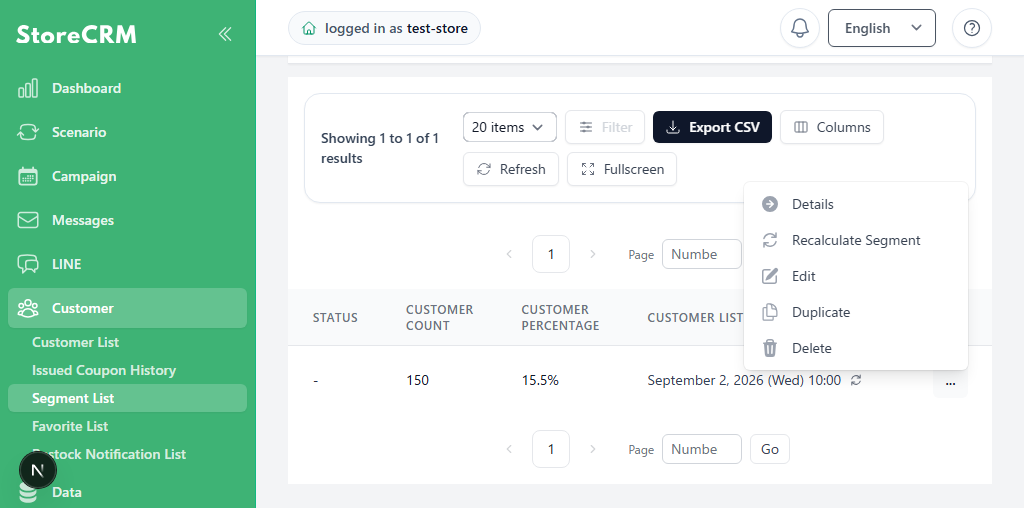
2. Click [...] to the right of the source segment, and then click [Duplicate].
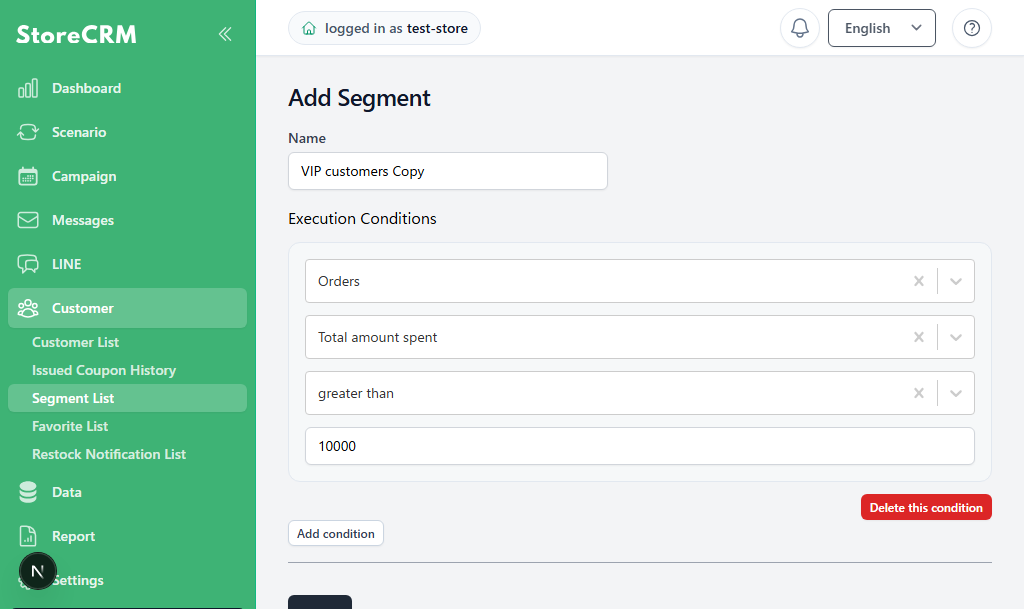
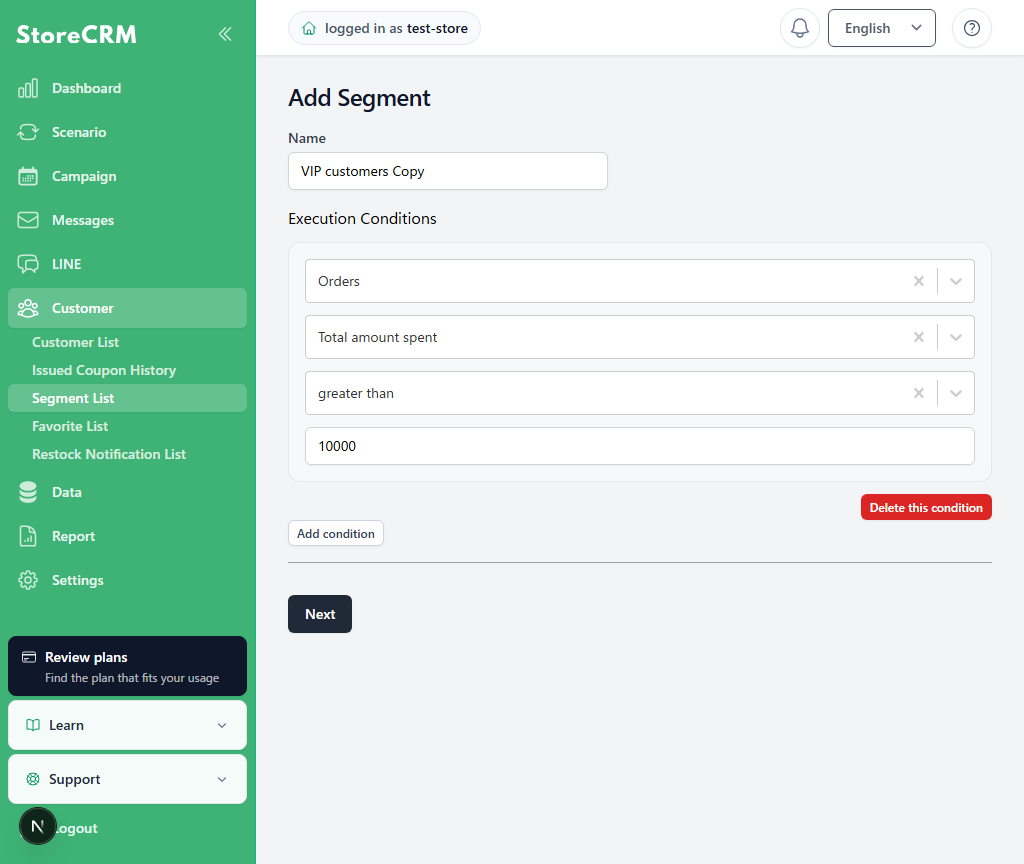
3. The creation screen opens with the source segment's conditions. Adjust the name and conditions, and then click [Next].
- The default name is the source segment name followed by “Copy.” Change it as needed.
- To change or add conditions, edit the execution conditions.
4. StoreCRM recalculates the segment using the adjusted conditions. Use the segment after its status changes to [Calculated].
Related pages
 English
  Japanese