

- A scenario is a predefined process for a customer who has taken a specific action.
- For example, in the case of restocking notification, a scenario can be set up to send a "restocking notification" e-mail to customers who have clicked on the restocking notification button on the product detail screen and registered their e-mail addresses, 0 hours after the product is in stock.
Table of Contents
Add a scenario
- StoreCRM offers templates for different types of scenarios.
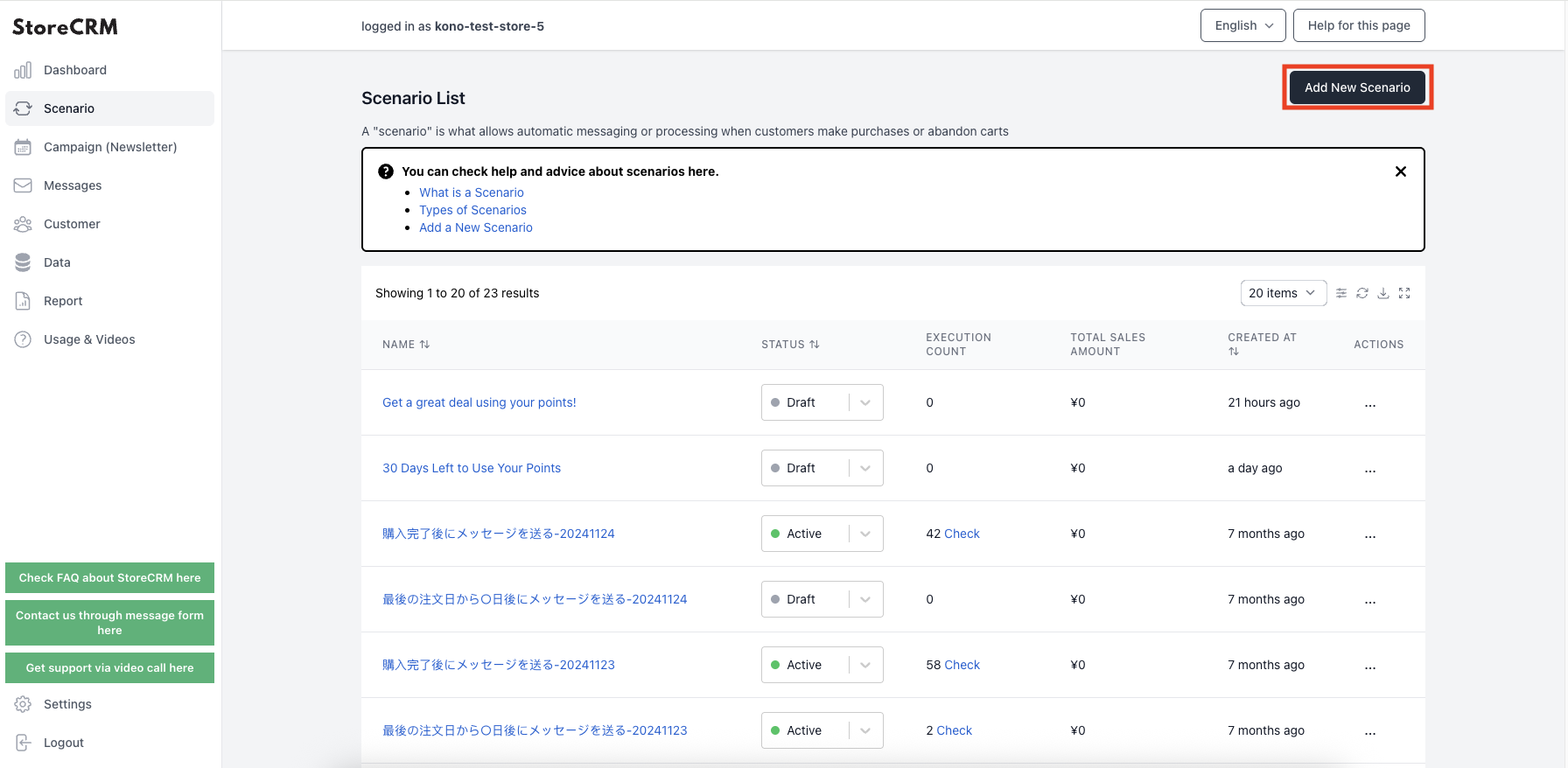
- Scenarios can be set from StoreCRM -> [Scenarios].
- To add a scenario using a template, click on the top right corner of the [.Add a new scenario].
- The target (target) of the scenario and the method of processing can be set by the store owner in StoreCRM.
- We recommend that you do not change the template in the scenario screen, but create it by clicking on [...] → [Duplicate] on the right side.
Automation type
As for the type of scenario,here for more information.
Related pages
 English
  Japanese