

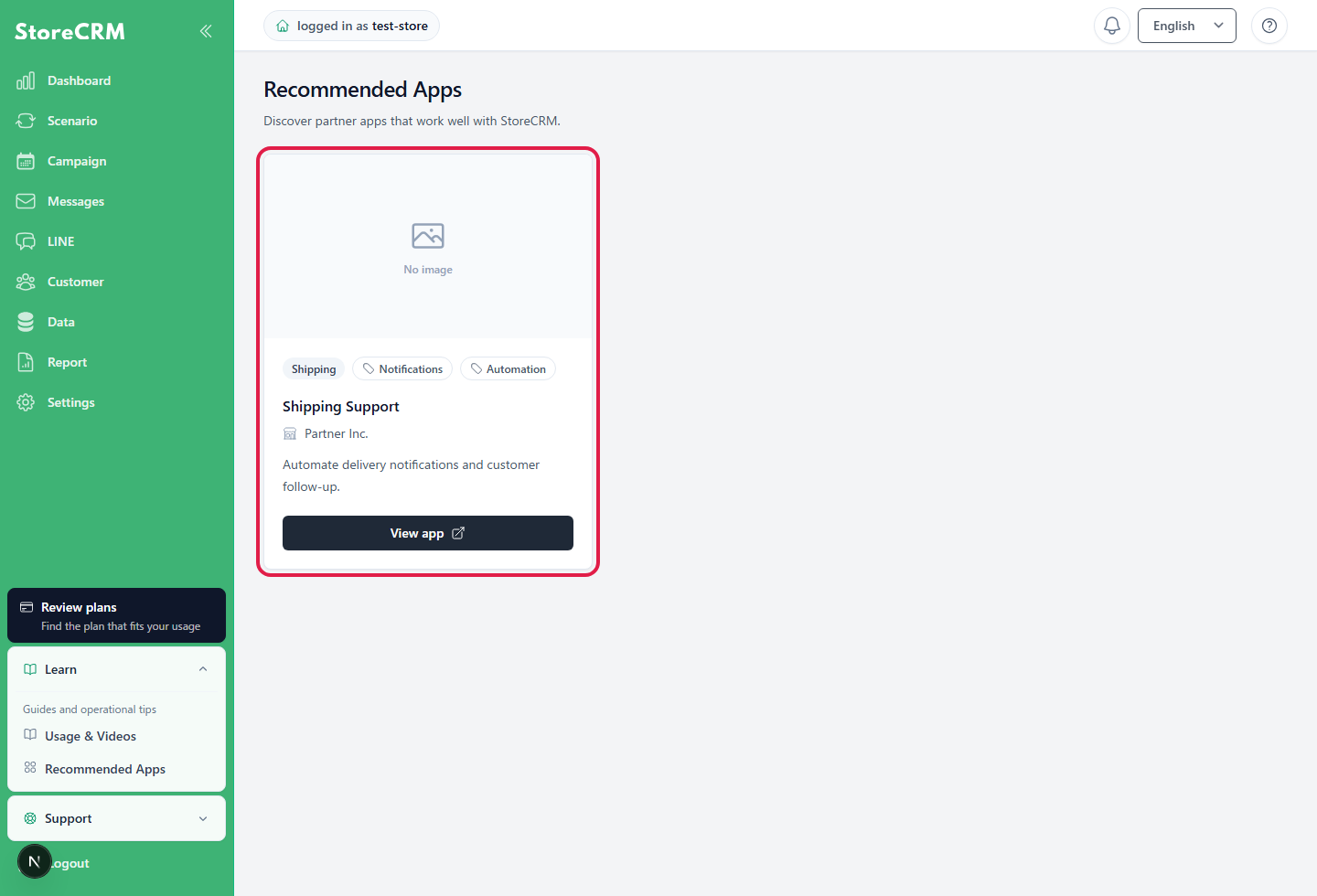
On the Recommended Apps page, you can browse partner apps that work with StoreCRM. Use this page to find external apps and integration services for your store operations.
Table of Contents
What you can check
- App Name
- Provider (vendor)
- Categories and tags
- App overview
- Links to details and signup pages
Steps
- Open the StoreCRM admin.
- Click "Recommended Apps" in the left menu.
- Find the app you want to review in the list.
- To view details, click the button on the app card. The linked page opens in a new tab.
If apps are not displayed
If no recommended apps are currently available, the page displays "No recommended apps are currently available." Newly published apps will appear on this page.
If the page fails to load, wait a while and try again.
 English
  Japanese