

- A mail comportment is a standardized section that is inserted into the body of an email.
- Once created in advance, they can be dragged and dropped into the body of an email.
Table of Contents
Create a header
If you want to create a header,here for more information.
Create a footer
If you want to create a footer,here for more information.
Create an email comportment
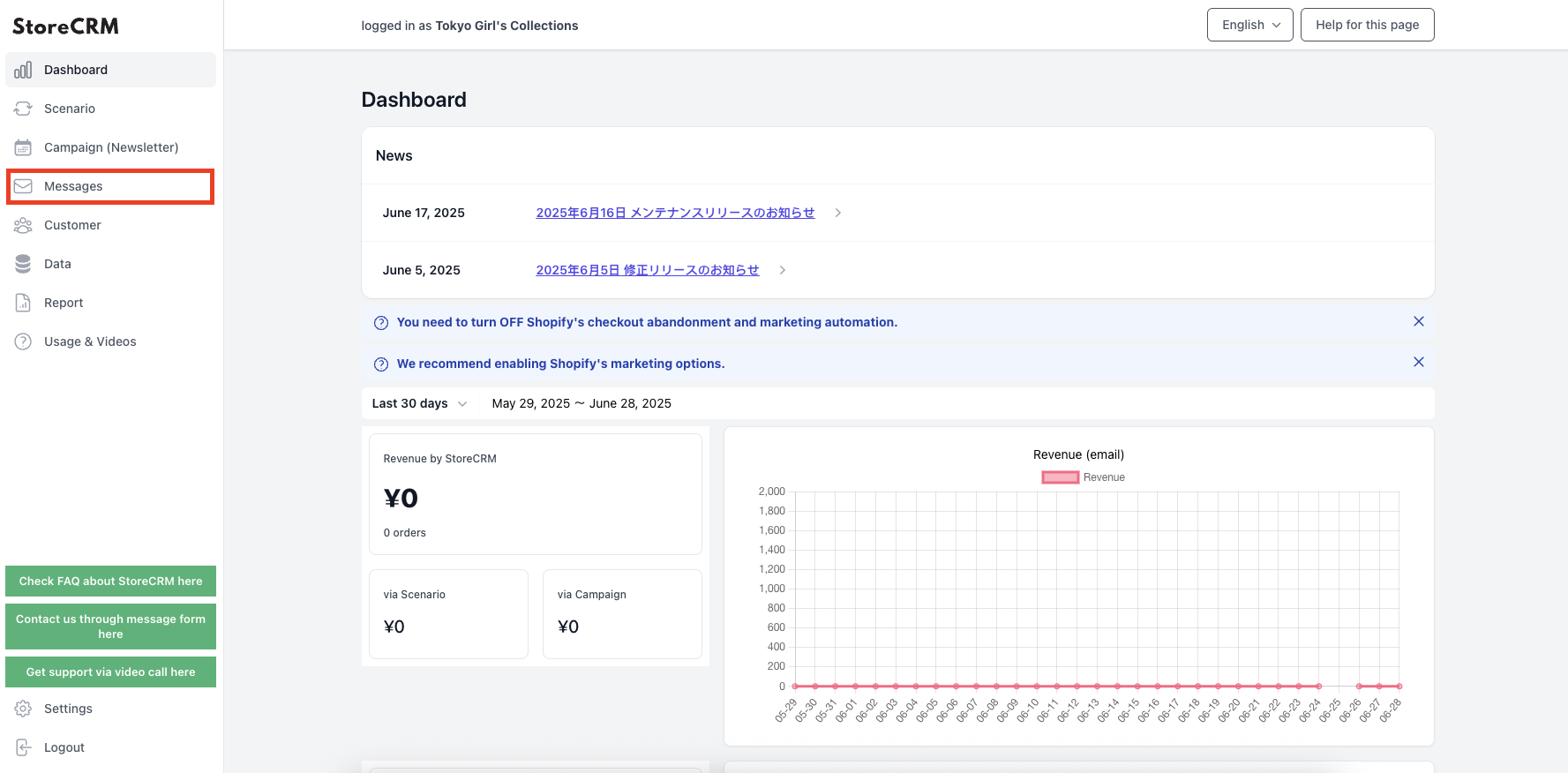
Click on "Mail.
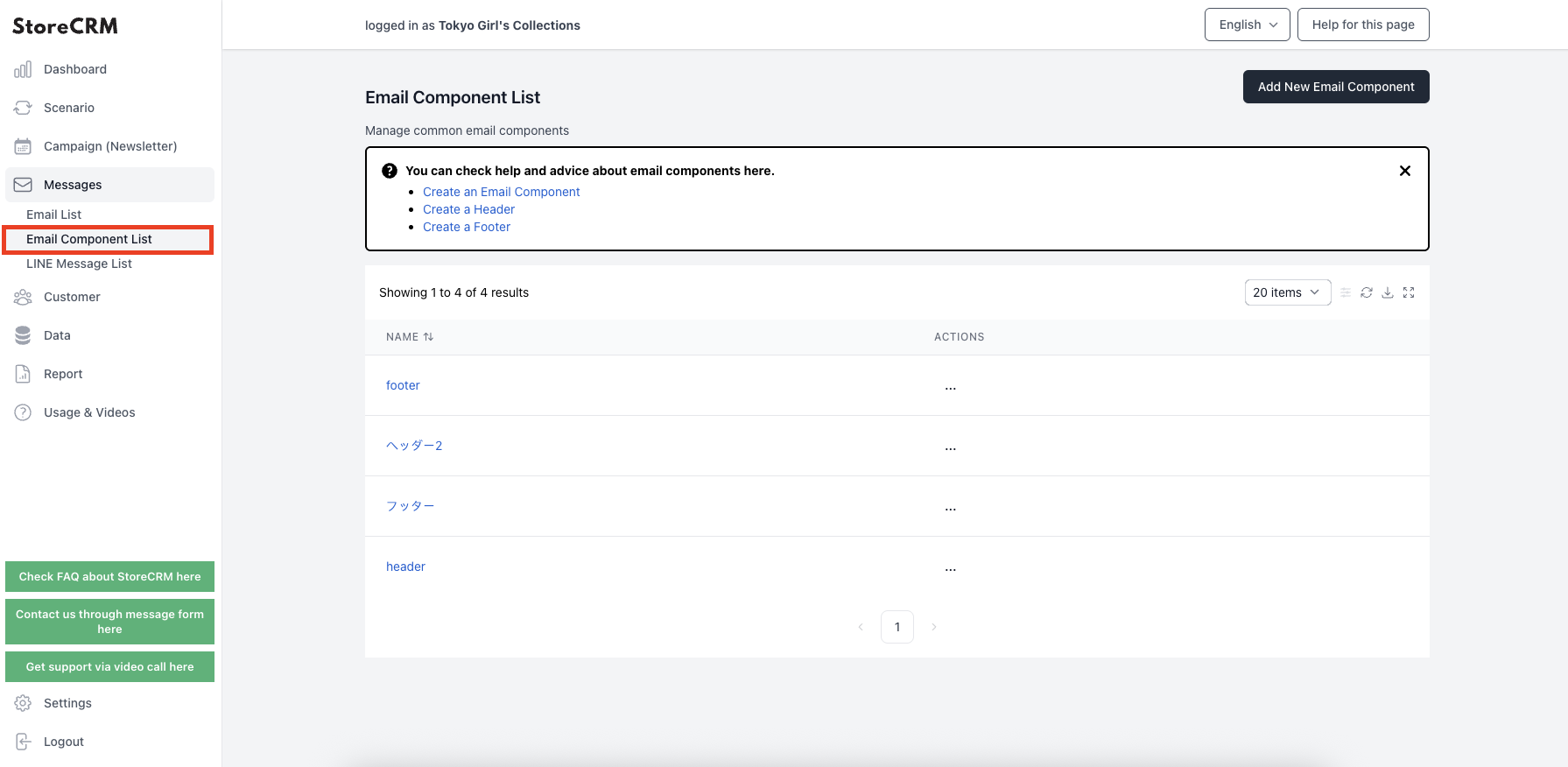
Click on "Mail Component List.
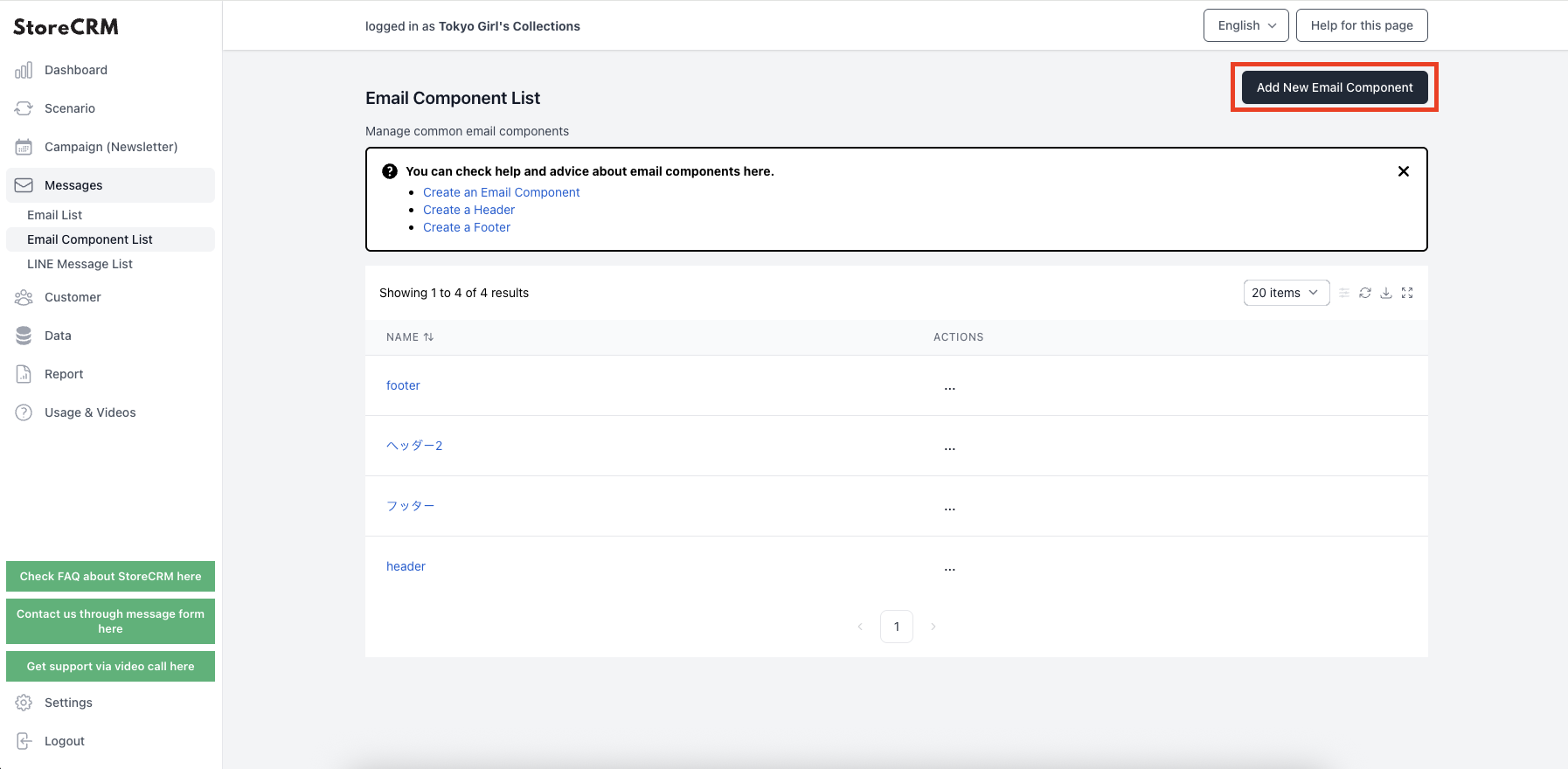
Click on "Add new mail component.
4. if you want to insert text,here for more information.
5. if you want to insert an image,here for more information.
After completing the settings, click "Save".
Related pages
 English
  Japanese