

To install StoreCRM, do the following
Table of Contents
Watch the video and install
See the manual and install it.
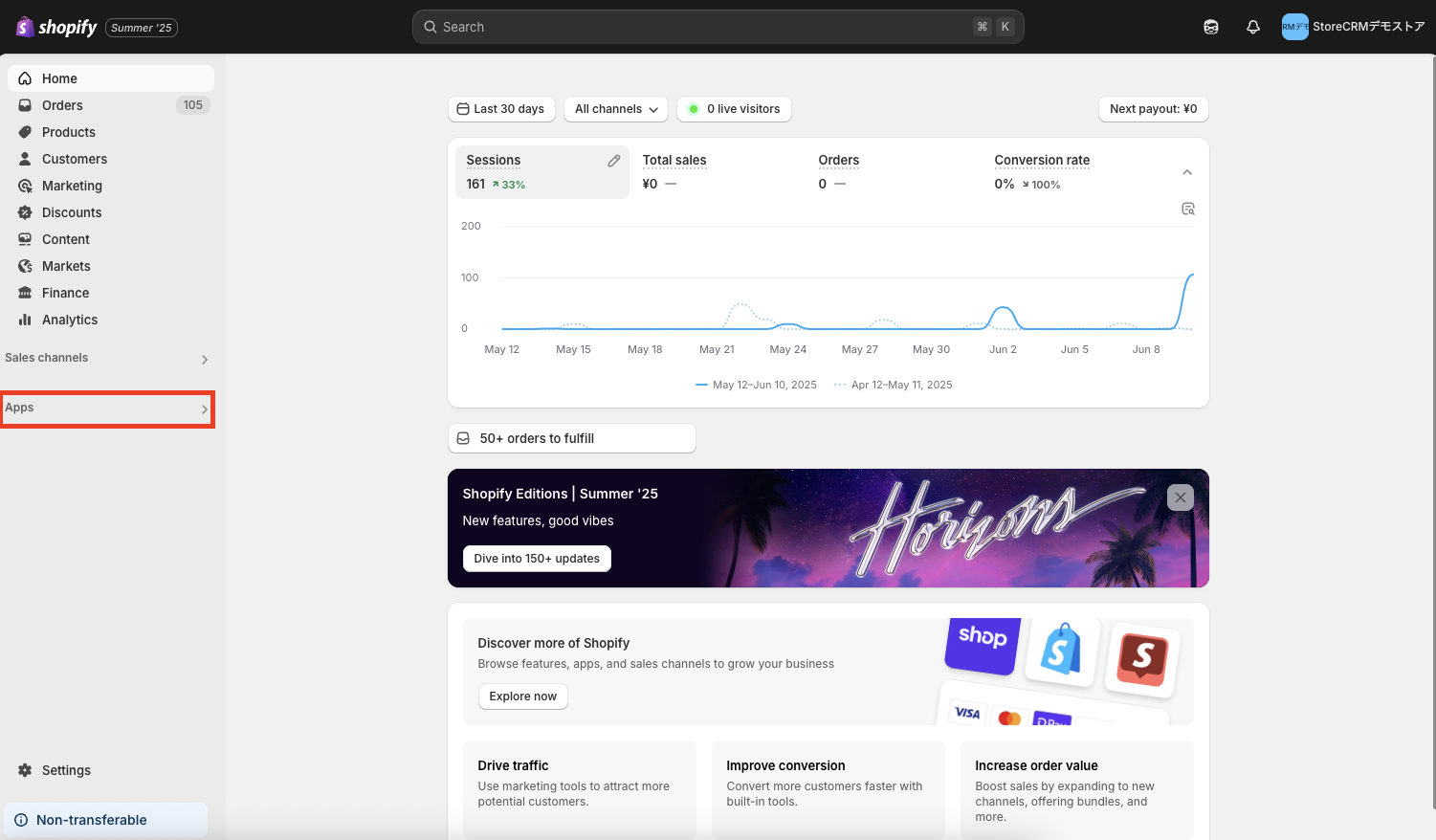
1. log in to Shopify → click on "Add App".
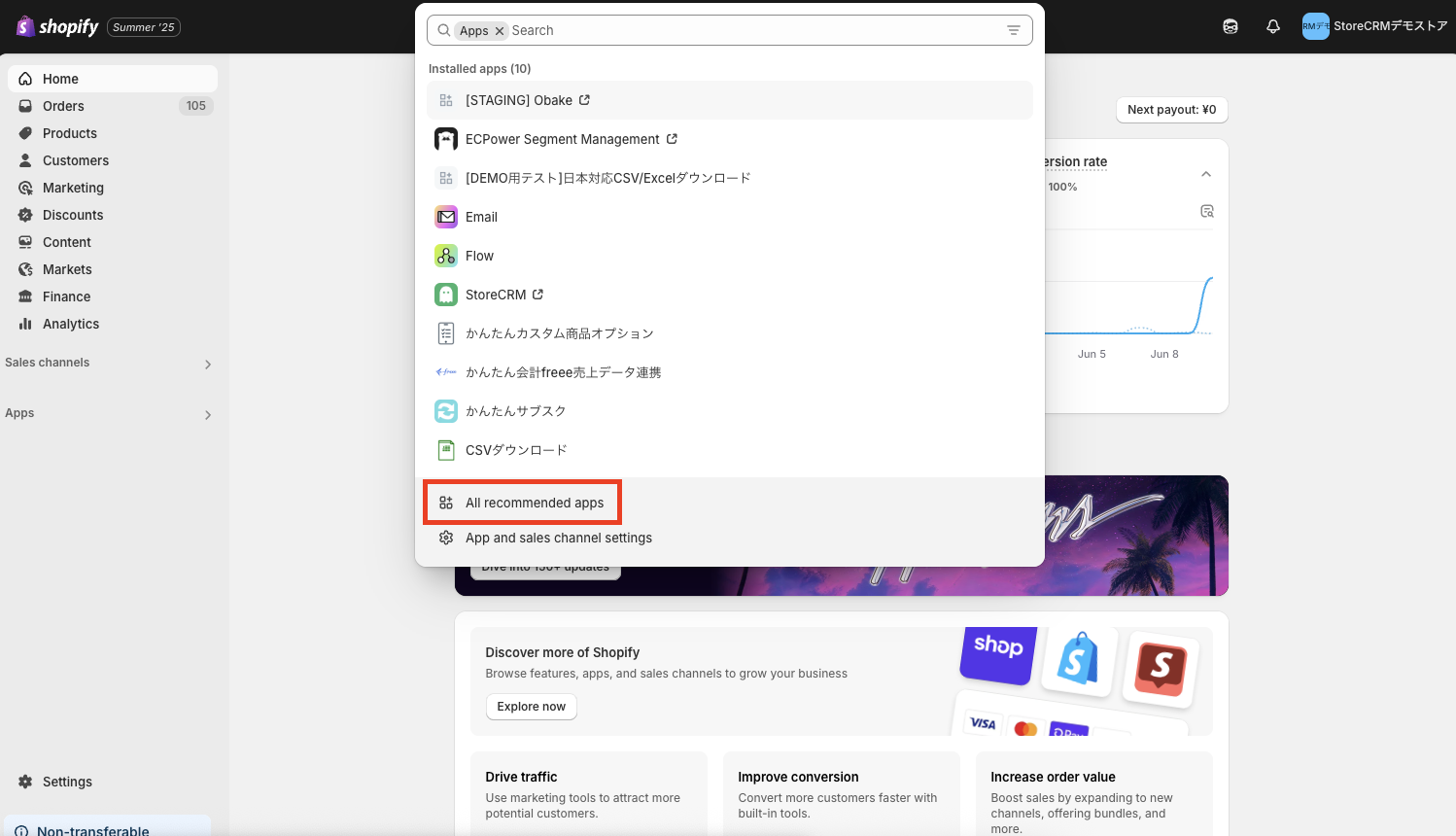
Click on "All Recommended Apps.
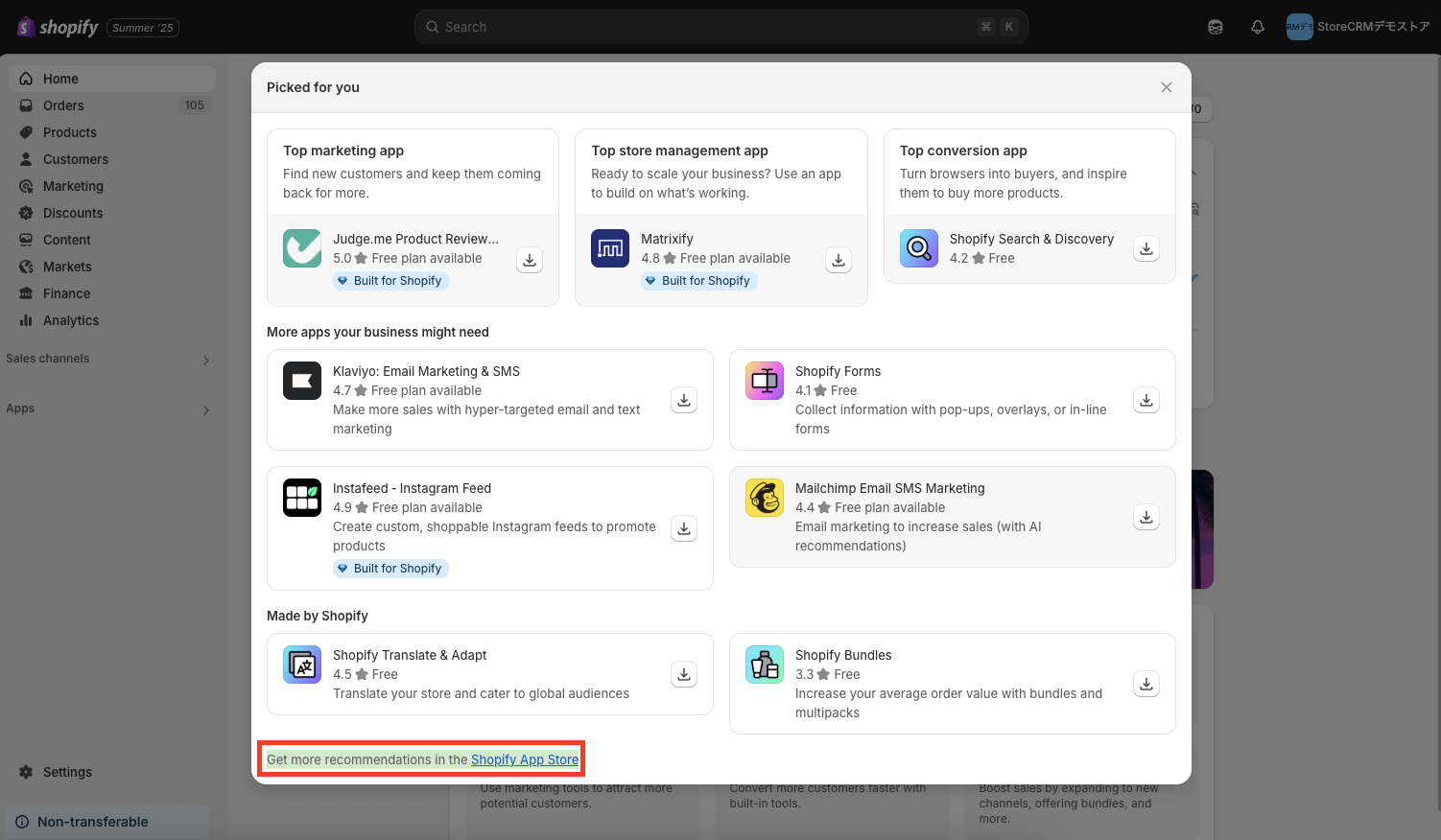
3. click on "Find more apps in the Shopify App Store.
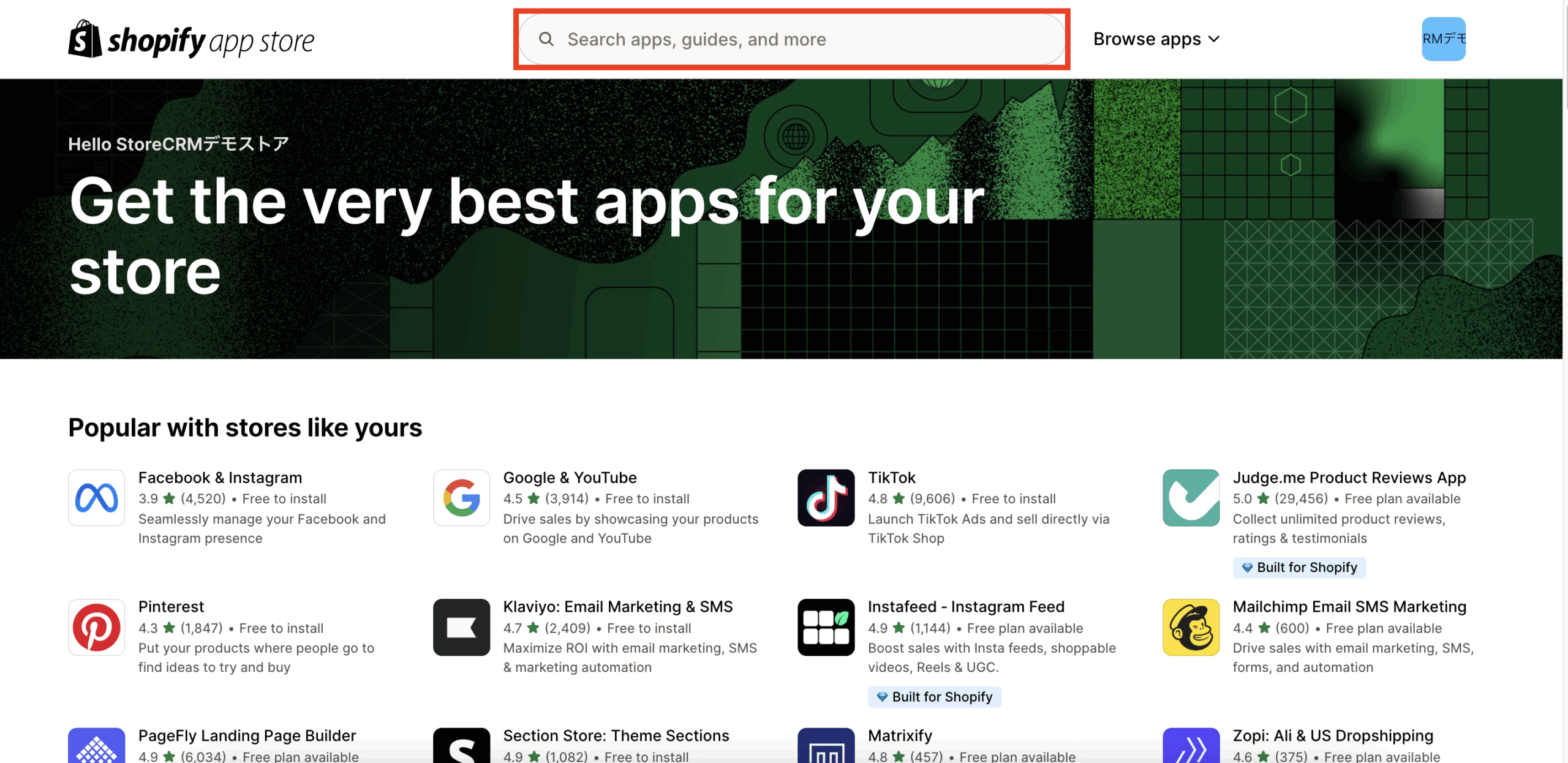
4. Shopify App Storeand search for "StoreCRM".
If not found,herePlease access it from
Click on "StoreCRM.
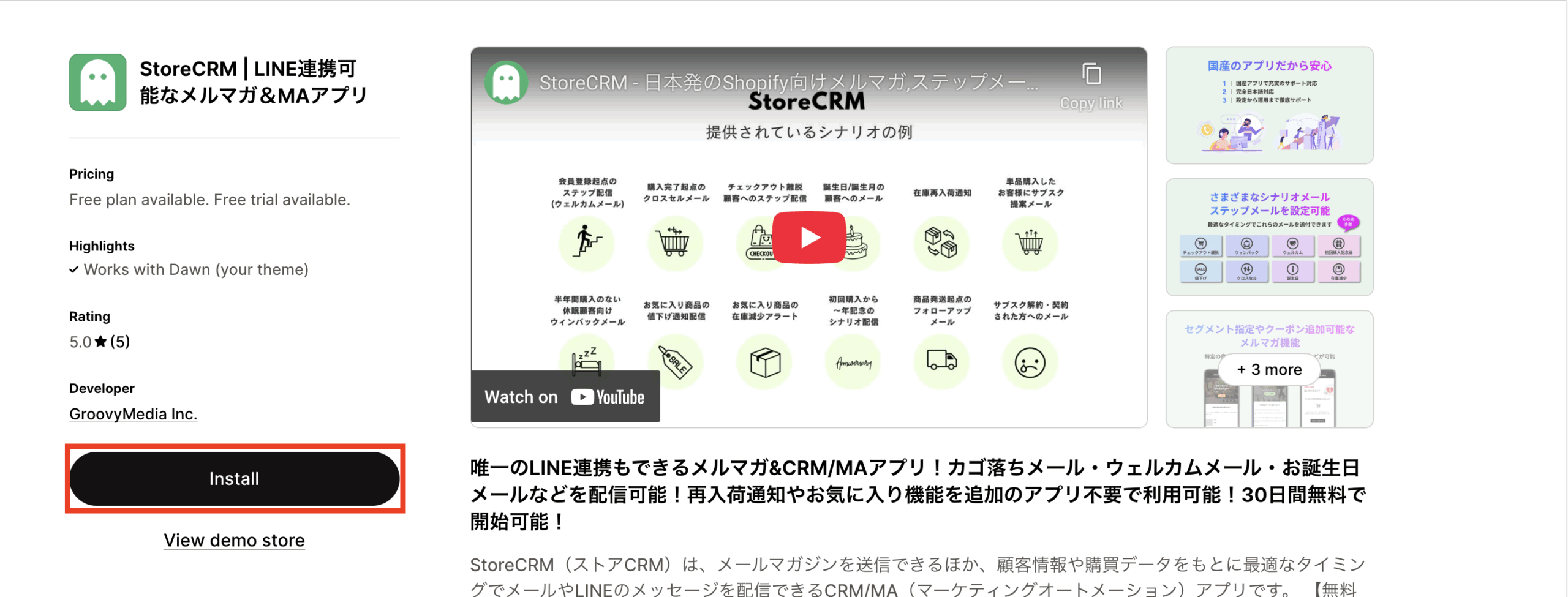
Click "Install.
To continue setting up,here for more information.
Related pages
 English
  Japanese